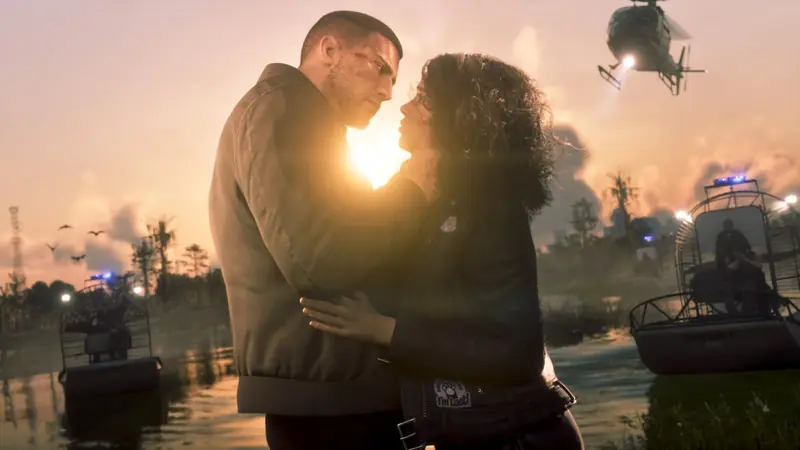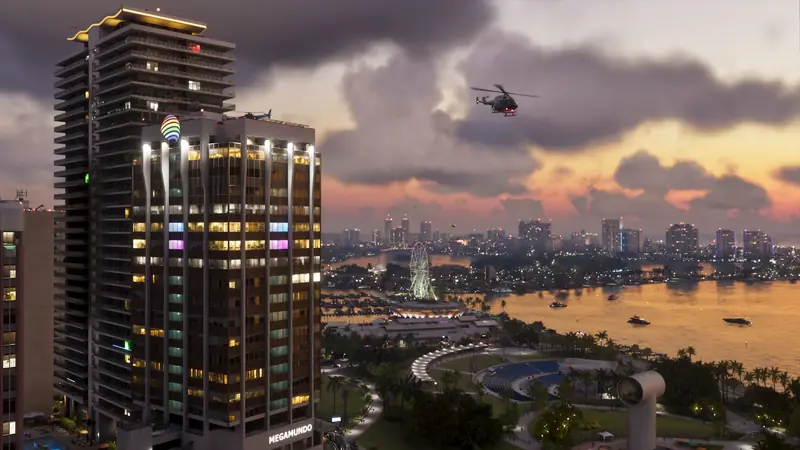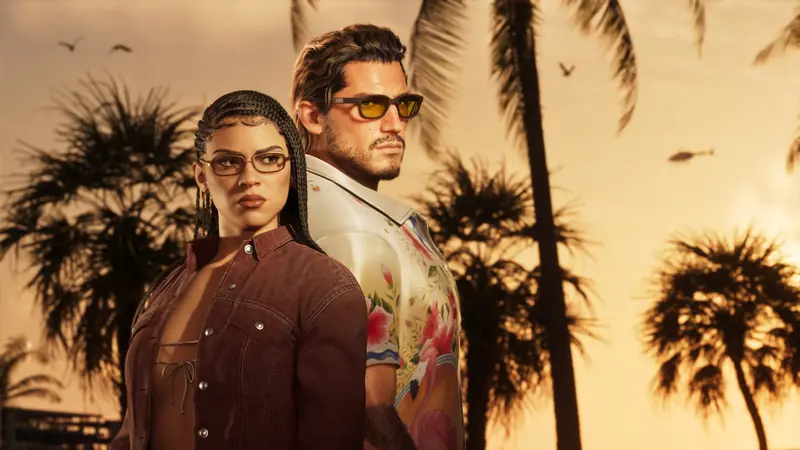


There is no 60 FPS mode to switch on, so the biggest wins are on your TV and in a handful of menu options. Every value below is the one most guides agree on, with the reason, and the pictures show the real GTA 6 menus so you know exactly where each option is
 BoostBase GTA 6 Team
GTA 6 Best Settings Quick Overview:
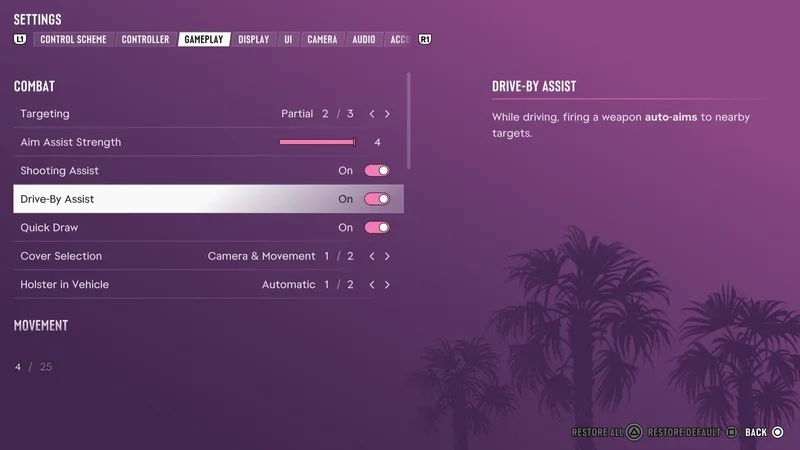
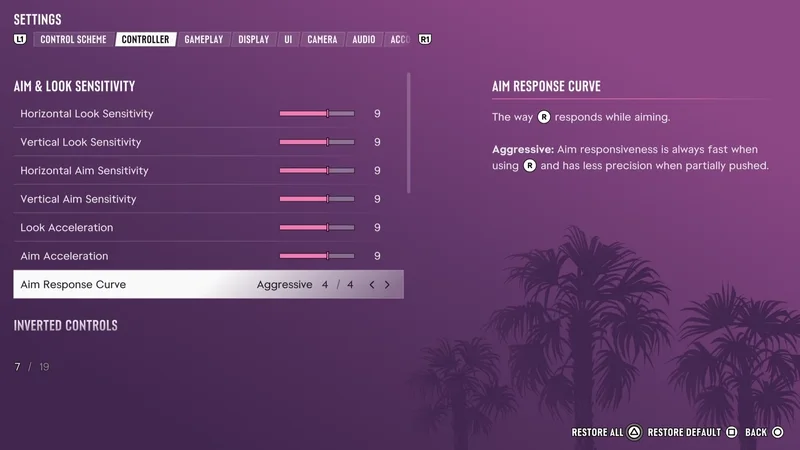
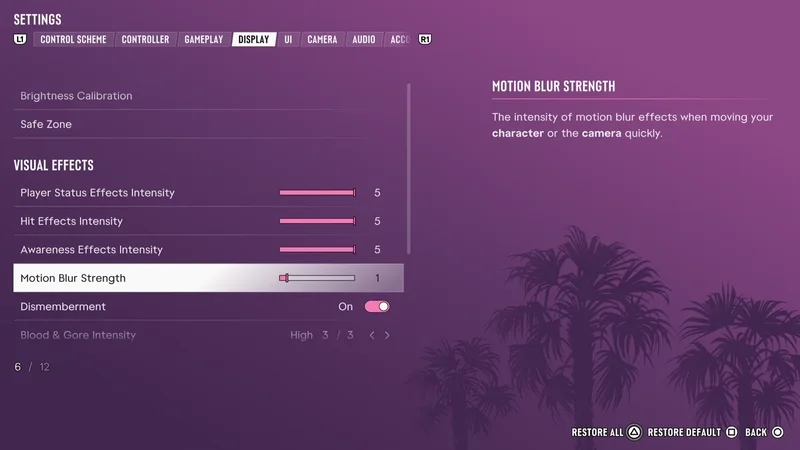
- GTA 6 runs at 30 FPS on every console, so the wins are in the menus and on your TV. Set Targeting to Partial with Aim Assist at 4 and the Standard aim curve, drop Motion Blur to 0 to 2, turn Camera Shake off, keep the minimap always on, lower the cinematic kill and crash cameras, then turn on your TV’s Game Mode and calibrate HDR
Best GTA 6 settings to change first
Open the pause menu, go to Settings and switch tabs with R1 on PS5 or RB on Xbox. Every value above is the one most of the big settings guides agree on, and the pictures below show where each option sits in the real menus
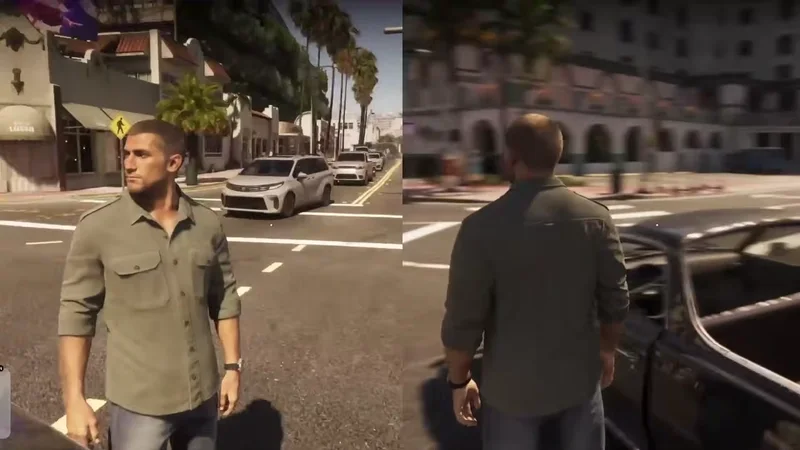
GTA 6 performance on PS5, PS5 Pro and Xbox
| Console | Frame rate | Resolution | What it adds |
|---|---|---|---|
| PS5 | 30 FPS | 1440p, upscaled to 4K | DualSense haptics, adaptive triggers, 3D Audio |
| PS5 Pro | 30 FPS | 1440p, PSSR 2 to 4K | Ray traced shadows and steadier frame pacing |
| Xbox Series X | 30 FPS | 1440p, upscaled to 4K | Close to the base PS5 |
| Xbox Series S | 30 FPS | 720p, FSR to 1080p | Drops into the mid 20s in busy scenes |
There is no performance mode and no 60 FPS option on any console. A 120 Hz output setting on your console does not double the frame rate, but it does not hurt either
Best PS5 and Xbox console settings for GTA 6
| Setting | PS5 and PS5 Pro | Xbox Series X|S |
|---|---|---|
| Resolution | Automatic | 4K UHD if your TV supports it |
| HDR | On When Supported | Allow HDR10 |
| HDR calibration | Adjust HDR | Calibrate HDR for Games |
| Low latency | ALLM Automatic | Auto Low Latency Mode On |
| VRR | Automatic | On if supported |
| 120 Hz output | Automatic | 120 Hz if supported |
| 3D audio | Settings, Sound, 3D Audio for headphones | Windows Sonic for Headphones |
Game Mode, HDMI and input lag
- Turn on Game Mode on your TV. It cuts input lag, which matters more at 30 FPS
- Turn off motion smoothing, often called TruMotion, MotionFlow or Auto Motion Plus
- Use the HDMI 2.1 port if your TV has one, since some TVs only unlock full features there
Best HDR settings for GTA 6
- Set tone mapping to HGiG on your TV if it has the option
- Run the console calibration first: Adjust HDR on PS5, Calibrate HDR for Games on Xbox
- Then open HDR Calibration in the game under Settings, Display. It has sliders for Maximum Brightness, Black Levels and Paper White
- Match your own screen. Do not copy someone else’s numbers, since every TV is different. Stop before shadows turn grey
Best GTA 6 controller and aim settings
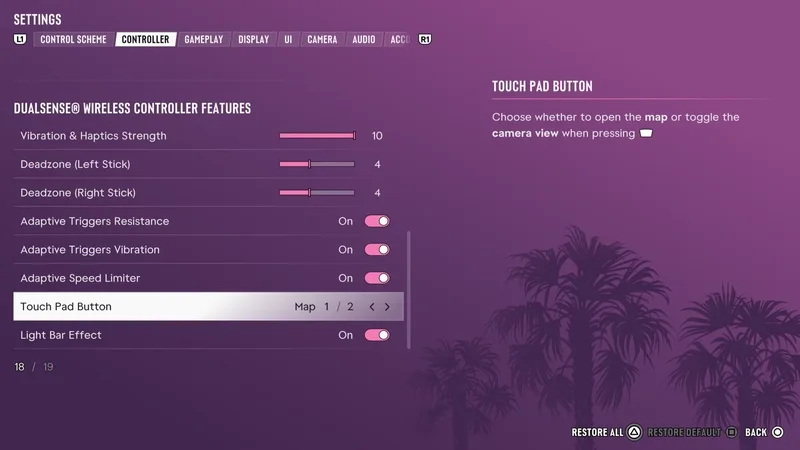
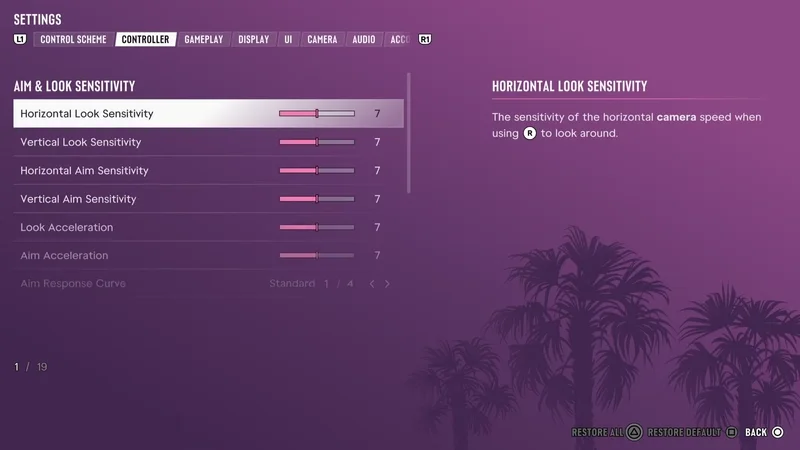
The Controller tab holds sensitivity, deadzones and the DualSense features. Change one slider at a time and test it with the same gun so you can feel the difference
- Deadzones: lower them one step at a time until the stick drifts, then go back one step
- Vibration, haptics and adaptive triggers: keep them on at first on PS5. If the trigger resistance tires your fingers, lower it in the same menu
- Control scheme: the Classic layout is closer to GTA 5. Guides disagree on exactly what it moves, so check the button preview in the menu before you commit
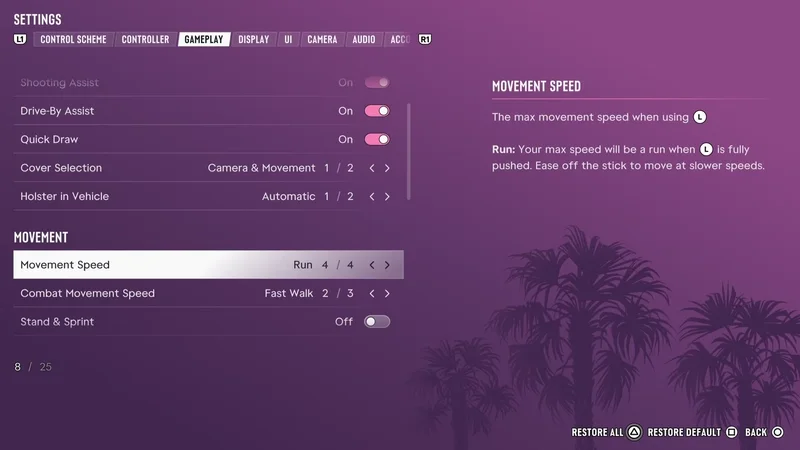
- Movement Speed: set it to Run if you want Jason and Lucia to run by default instead of walking fast
Best GTA 6 camera and HUD settings
The Camera tab has separate settings for on foot, cars, boats, aircraft and underwater. The defaults are fine for most players. The two worth changing are the camera bob and the cinematic cameras, both covered above
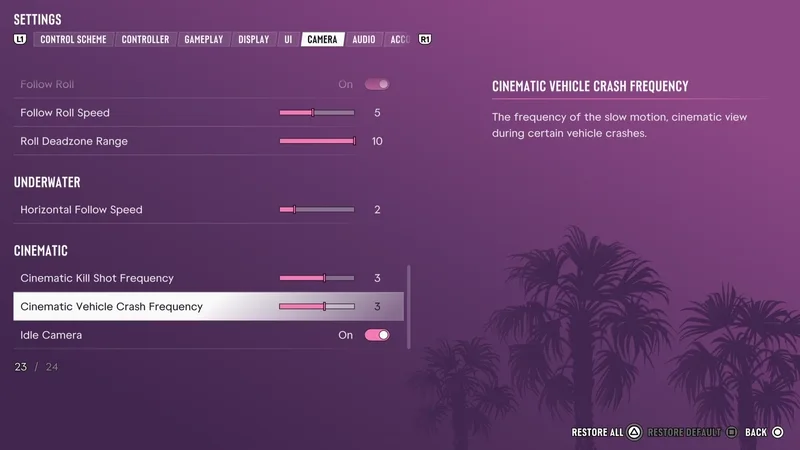
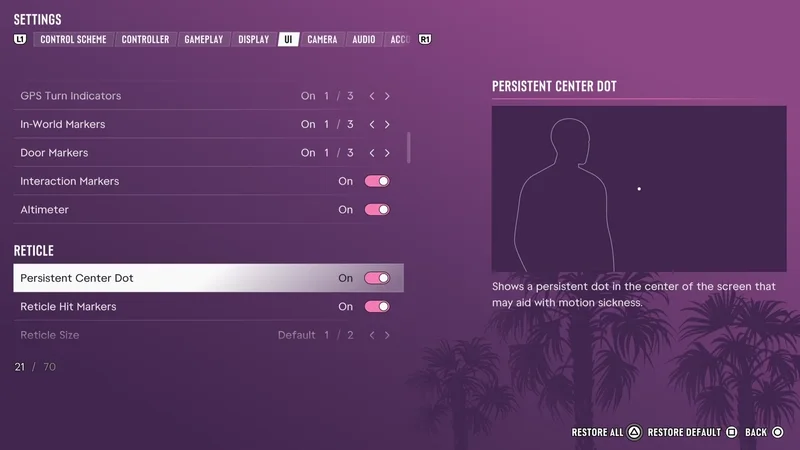
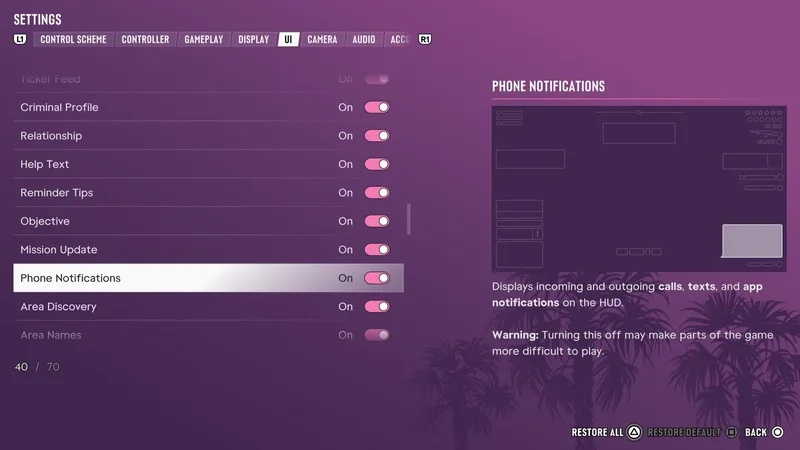
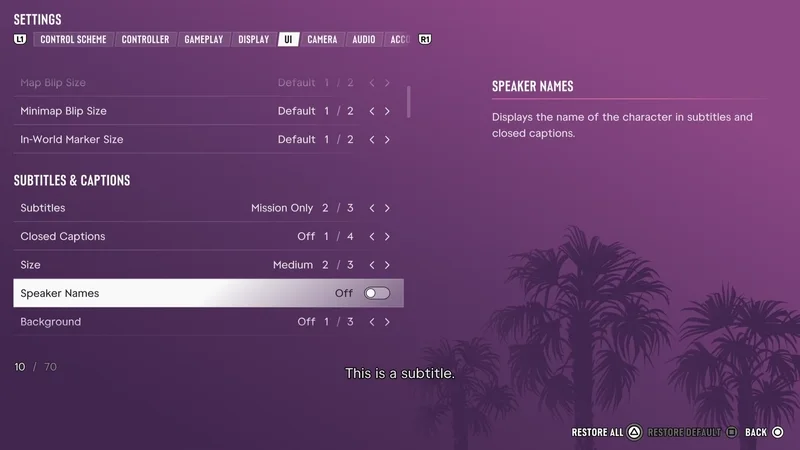
In the UI tab, keep GPS route, turn indicators and in-world markers on, and keep the Help Text and Mission Update notifications on while you learn the game. Turn phone notifications off only if you know the cost: the game warns that it can make parts of it harder to play
GTA 6 audio and streaming settings
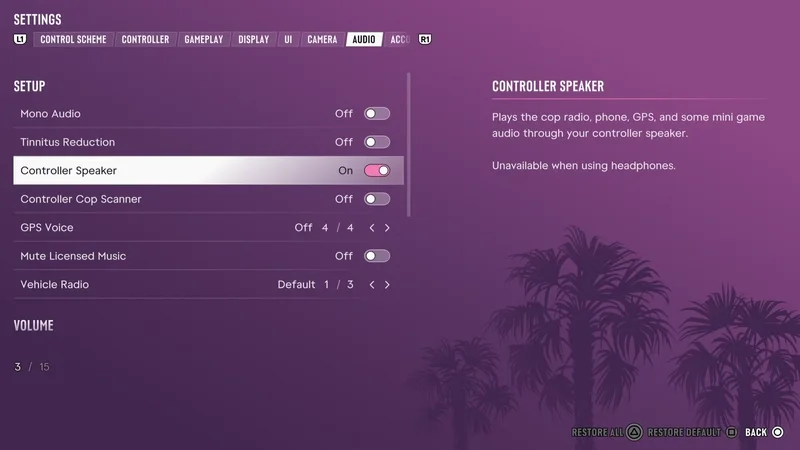
- Dialogue volume: keep it high, and drop music and effects to around 8 if voices get buried
- Mute Licensed Music: turn it on only when you stream. It mutes copyrighted songs, but it is not a full copyright shield
- Controller Speaker: plays the police scanner, phone and GPS through the DualSense. Turn it off if it gets noisy
GTA 6 accessibility settings
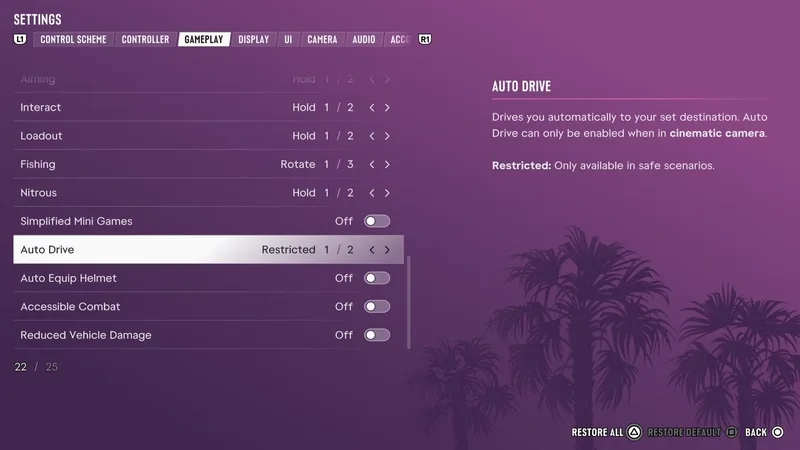
The Accessibility tab is big. Tap Assist and Hold Assist help with button mashing and holding, Simplified Mini Games makes the minigames easier, and Auto Drive can drive you to a waypoint in the cinematic camera. Accessible Combat and Reduced Vehicle Damage change the game’s balance, so try the game as it is first. If a minigame or mission is blocking you, a PRO can also play that part for you
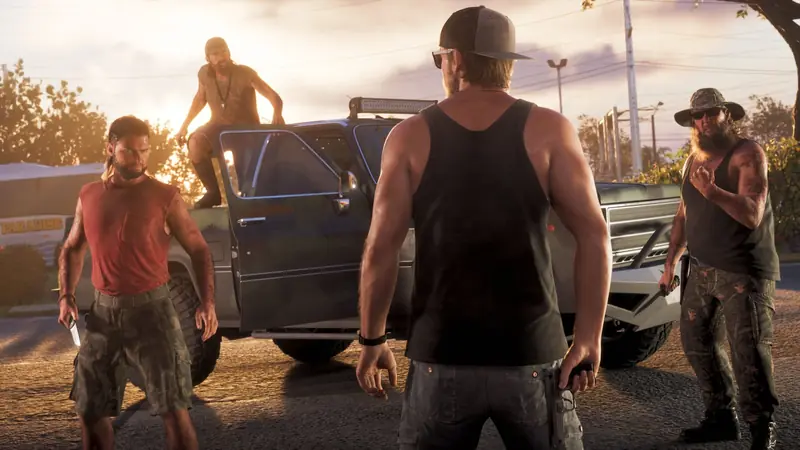
PRO for Hire
Any task you choose · Any number of hours · Skip the grind
Frequently asked questions
Does GTA 6 run at 60 FPS?
No. It runs at 30 FPS on PS5, PS5 Pro and Xbox Series X|S, with no performance mode
What are the best GTA 6 settings for PS5?
Targeting Partial, Aim Assist 4, Standard aim curve, Motion Blur 0 to 2, Camera Shake off, minimap always on, HDR On When Supported and calibrated, and TV Game Mode on
What are the best GTA 6 settings for Xbox Series X|S?
The same in-game settings as PS5, plus 4K UHD, Allow HDR10 and Auto Low Latency Mode in the Xbox TV settings
Does GTA 6 run better on PS5 Pro?
It still runs at 30 FPS, but PSSR 2 gives a sharper image, it adds ray traced shadows and the frame pacing is steadier
Can you turn off motion blur in GTA 6?
Yes. Set Motion Blur Strength under Display to 0. Many players prefer 1 or 2 because 0 can look choppy at 30 FPS
Can you change the FOV in GTA 6?
No FOV slider has been found in the console menus. You can change the camera height and follow speed in the Camera tab
What is the best aim assist setting in GTA 6?
Targeting Partial with Aim Assist Strength at 4
What resolution does GTA 6 run at on Xbox Series S?
Around 720p, upscaled to 1080p
GTA 6 came out on November 19, 2026, and the guide sites are still checking it against the game, so every number here was compared across at least two sources and the majority wins where they disagree