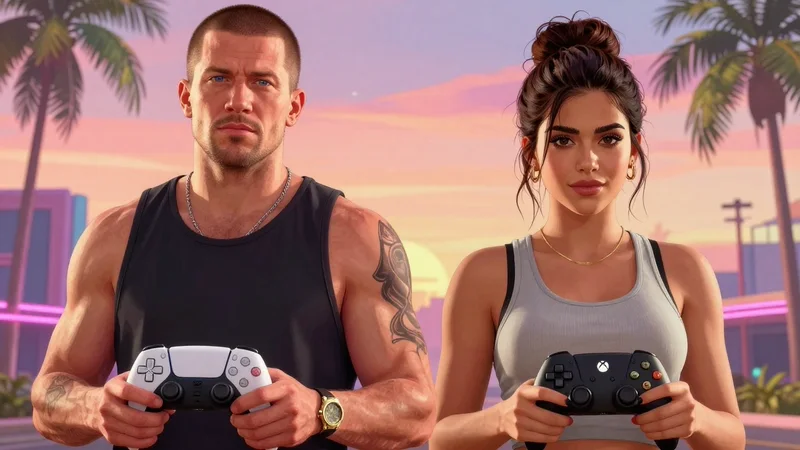


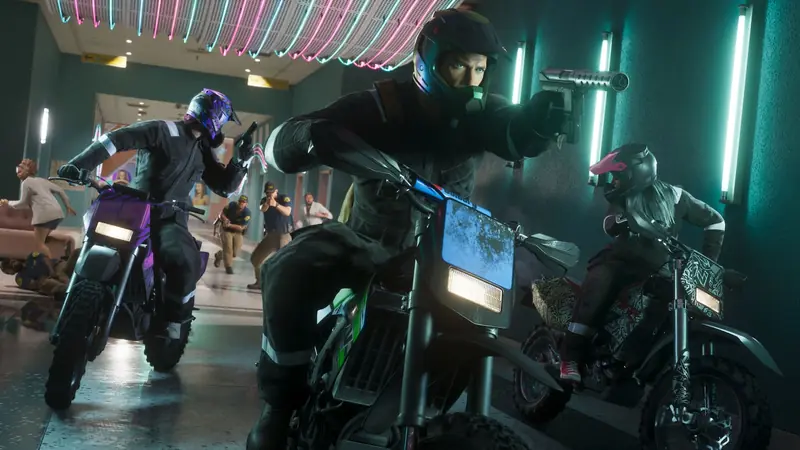
GTA 6 changes a few buttons GTA 5 players know by heart, most of all running. These are the default controls, and every row matches across at least two button guides built from the game’s own control screens
 BoostBase GTA 6 Team
GTA 6 Controls Quick Overview:
- In GTA 6 you run by clicking the left stick, jump with X on PS5 or A on Xbox, aim with L2 or LT and shoot with R2 or RT. Hold L1 or LB for the weapon wheel, press R1 or RB for cover and click both sticks for Focus
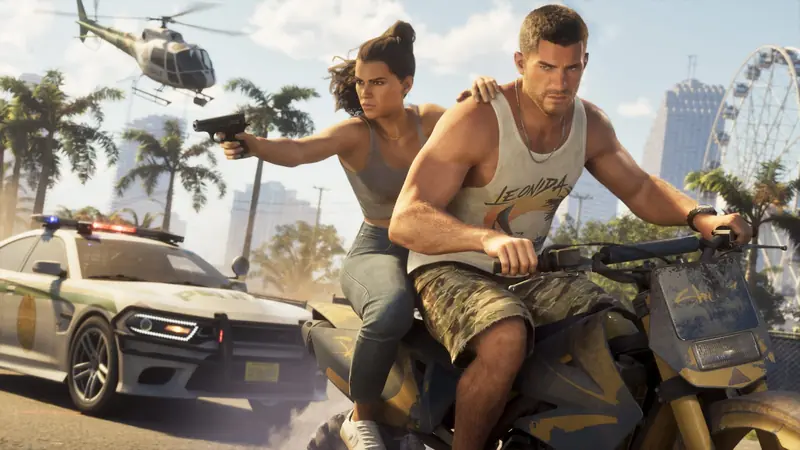
- In cars R2 or RT drives, L2 or LT brakes and tapping left or right on the D-pad works the turn signals
- Hold D-pad Right and press R1 or RB to switch between Jason and Lucia
GTA 6 controls on foot
| Action | PS5 | Xbox |
|---|---|---|
| Move / look | Left / right stick | Left / right stick |
| Run | Click L3 | Click left stick |
| Jump, climb | X | A |
| Crouch | Circle | B |
| Interact | Triangle | Y |
| Talk to someone | Hold L2 | Hold LT |
| Look behind | Hold R3 | Hold right stick |
| Focus | L3 + R3 | Both sticks |
| Phone | D-pad Up | D-pad Up |
| Map | Touchpad | View |
GTA 6 combat controls
| Action | PS5 | Xbox |
|---|---|---|
| Aim / shoot | L2 / R2 | LT / RT |
| Take cover | R1 | RB |
| Holster, weapon wheel | Tap / hold L1 | Tap / hold LB |
| Quick swap weapon | Triangle | Y |
| Melee | Square | X |
| Block, dodge | X | A |
| Grapple | Hold R2 | Hold RT |
| Quick throw | Hold R1 | Hold RB |
| Switch shoulder | D-pad Left | D-pad Left |
| Detonate | D-pad Right | D-pad Right |
| First person while aiming | R3 | Right stick click |
GTA 6 driving controls
| Action | PS5 | Xbox |
|---|---|---|
| Accelerate / brake | R2 / L2 | RT / LT |
| Handbrake | X | A |
| Horn | L3 | Left stick click |
| Headlights / duck | Tap / hold Circle | Tap / hold B |
| Turn signals | D-pad Left / Right | D-pad Left / Right |
| Radio and vehicle menu | Hold D-pad Left | Hold D-pad Left |
| Shoot from car | R1 | RB |
| Exit / leave engine on | Triangle / double tap | Y / double tap |
Yes, GTA 6 has working turn signals. In a police car one guide says L3 runs the siren instead of the horn
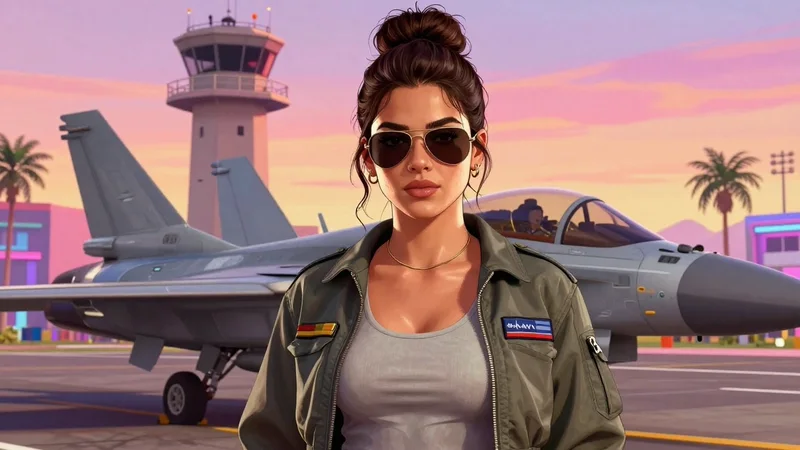
GTA 6 plane controls
| Action | PS5 | Xbox |
|---|---|---|
| Pitch and roll | Left stick | Left stick |
| Throttle up / down | R2 / L2 | RT / LT |
| Yaw left / right | Square / Circle | X / B |
| Landing gear | L3 | Left stick click |
| Fire weapons | R1 | RB |
GTA 6 boat and swimming controls
| Action | PS5 | Xbox |
|---|---|---|
| Boat throttle / reverse | R2 / L2 | RT / LT |
| Sharper turn | Hold X | Hold A |
| Leave the wheel, engine on | Double tap Triangle | Double tap Y |
| Swim faster | L3 | Left stick click |
| Dive down | Hold R1 | Hold RB |
| Surface | X | A |
How to switch characters in GTA 6
Hold D-pad Right to open the partner menu and press R1 on PS5 or RB on Xbox. One guide says switching opens up later in the story, so early on it may be greyed out
GTA 6 Classic controls
Settings, then Control Scheme, offers Default, Classic and Left-Handed. Classic brings back the older layout: run on X or A, jump on Square or X, crouch on the left stick and melee on Circle or B. Guides disagree on whether Classic also changes swimming, so preview the scheme in the menu before you pick it
Story Completion
Any chapter or the full story · Prologue to the campaign finale · Side stories on request
Frequently asked questions
How do you run in GTA 6?
Click the left stick once. There is no tap to sprint
Does GTA 6 have turn signals?
Yes. Tap left or right on the D-pad while driving
How do you switch characters in GTA 6?
Hold D-pad Right and press R1 on PS5 or RB on Xbox
How do you open the weapon wheel in GTA 6?
Hold L1 on PS5 or LB on Xbox
How do you block in GTA 6?
Hold X on PS5 or A on Xbox, and tap it just before a hit to dodge
GTA 6 came out on November 19, 2026, and the guide sites are still checking it against the game, so every number here was compared across at least two sources and the majority wins where they disagree