

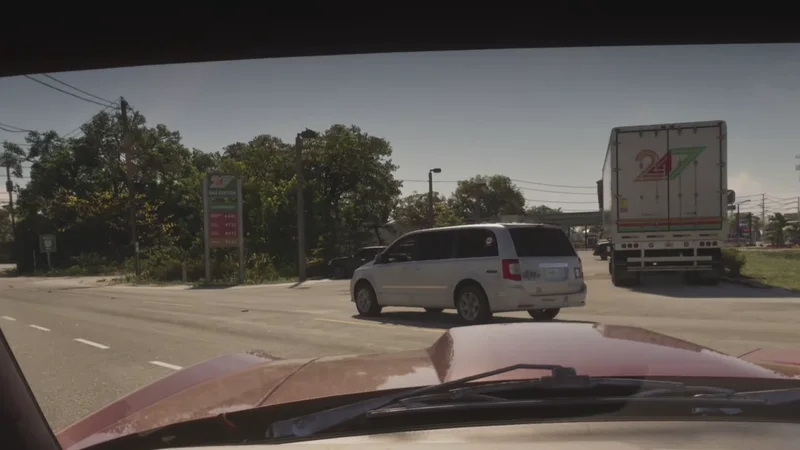
GTA 5 had a first person mode, GTA 6 does not, at least not yet. Here is what works today
 BoostBase GTA 6 Team
GTA 6 First Person Quick Overview:
- GTA 6 has no full first person mode at launch
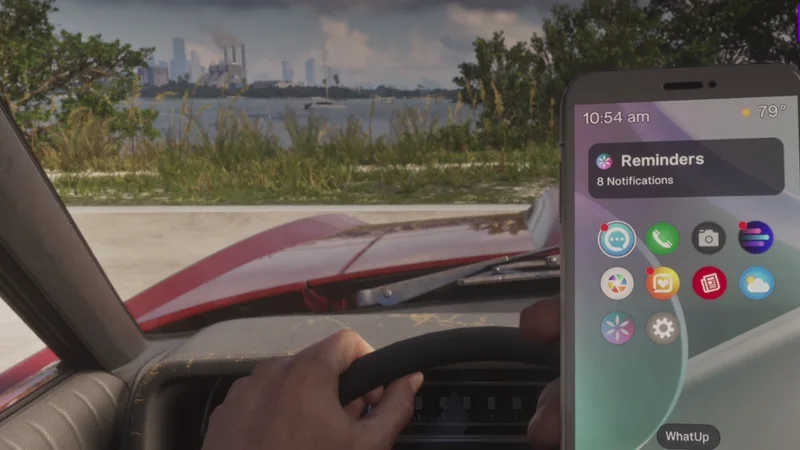
- You can look in first person while aiming, and players found a trick to drive in first person: set the Touch Pad Button to Camera in the controller settings, sit in the driver’s seat, take out your phone with D-pad Up, then press Circle and the touchpad straight after until the view switches
- On Xbox the same trick uses B and the View button
Does GTA 6 have first person?
Not as a full mode. Guides agree you cannot switch walking or driving to first person from the menu, and a Rockstar studio head said before launch that there would be no dedicated first person mode at release. GTA 5 only got its first person mode in a later re-release, so one may come later, but Rockstar has not announced it
What first person views GTA 6 does have
| View | How | Moves? |
|---|---|---|
| Aiming | Click R3 on PS5 or the right stick on Xbox while aiming | Yes |
| Look around | Hold L2 and click R3 on PS5, LT and the right stick on Xbox, standing still | No |
| Phone camera | Open the phone camera | Slowly |
| Driving trick | See the steps below | Yes |
The aiming view matches our controls guide. Guides describe the look around view a little differently, so if it does not work, try it with the weapon holstered
How to drive in first person in GTA 6
This is a trick players found, not an official option, and it can take a few tries
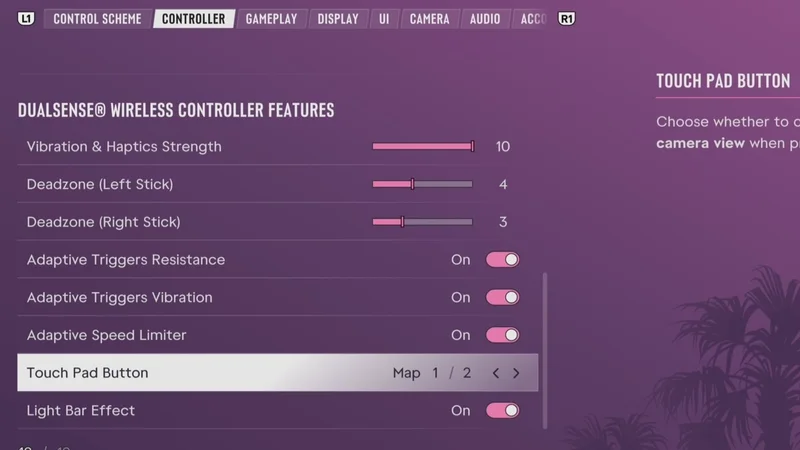
- Change one setting. Go to Settings, Controller and set Touch Pad Button from Map to Camera. On Xbox the setting is for the View button
- Get in a car. You must be in the driver’s seat
- Take out your phone. Press D-pad Up
- Press Circle, then the touchpad straight after. On Xbox press B, then View. Repeat until the view stays in first person
- Drive. The view holds until you leave the car
Can you walk in first person in GTA 6?
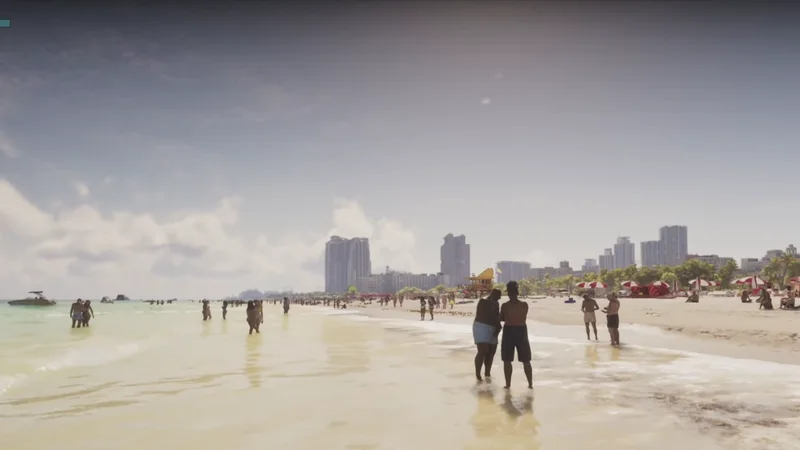
Not with a setting. Some players report the camera trick also works on foot, and one clip shows a first person walk on a Vice City beach, but most guides say you cannot move in the on foot first person view. Treat it as a glitch that may be patched
Will GTA 6 get a first person mode?
Rockstar has not said. A leak before launch claimed first person would come for both driving and walking, but it was never confirmed. Our best settings guide covers the camera options that are in the game today
Story Completion
Any chapter or the full story · Prologue to the campaign finale · Side stories on request
Frequently asked questions
Does GTA 6 have first person mode?
No full mode at launch. You get first person while aiming and a driving trick
How do you drive in first person in GTA 6?
Set Touch Pad Button to Camera, take out the phone in the driver’s seat, then press Circle and the touchpad straight after
Can you walk in first person in GTA 6?
Not with a setting. Most guides say you cannot move in the on foot view
How do you aim in first person in GTA 6?
Click R3 on PS5 or the right stick on Xbox while aiming
Will Rockstar add first person to GTA 6?
Nothing is announced. GTA 5 added it in a later release
GTA 6 came out on November 19, 2026, and the guide sites are still checking it against the game, so every number here was compared across at least two sources and the majority wins where they disagree